How to organize instruction manuals so you can find them later
· Editorial team newswithryanchicago.com
Keep household instruction manuals in one designated place, label each by appliance name and model number, and remove its manual when the item leaves your home. Choose paper folders, a digital folder, or a mix that fits how you look things up. The proposed system below gives every manual a clear home without creating a complicated filing project.
Gather the manuals and match them to your belongings
Start by collecting booklets from drawers, product boxes, cabinets, and wherever household paperwork lands. Include downloaded manuals sitting in your downloads folder. Put related setup sheets and warranty documents beside each manual so you can decide where they belong together.
- Match each manual to an item you still own. Set uncertain booklets aside until you can identify the product.
- Separate duplicates, manuals for discarded items, and unrelated paperwork.
- Keep instructions that cover operation, cleaning, maintenance, troubleshooting, or future assembly.
- If you plan to sell or donate an item, set its manual aside to pass along with it.
Do not decide a manual is unnecessary just because you know the everyday controls. Check whether it contains warnings, care instructions, or assembly details you might need later. Keep purchase and warranty records separate from your discard pile while you sort.
Choose a paper home that is easy to use
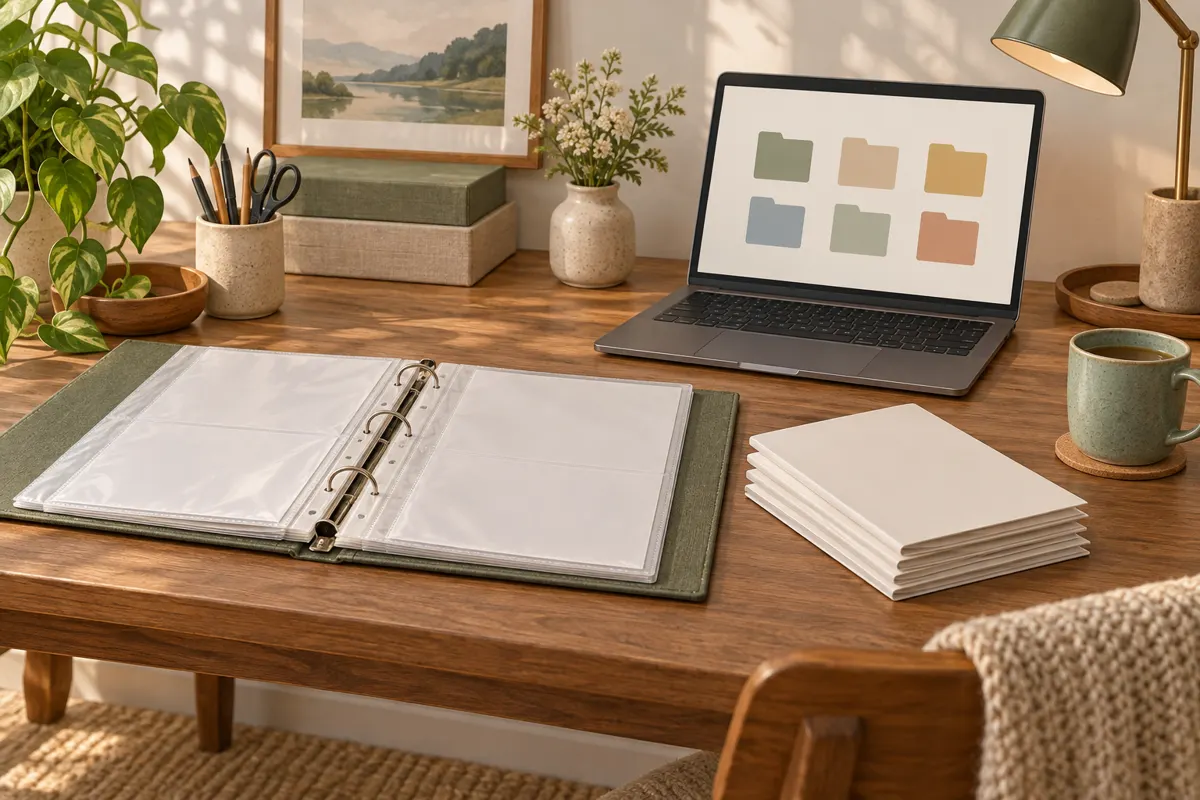
For paper storage, use a binder with sleeves, an expanding folder, or a file box. Start with something you already have. A binder suits thin booklets and loose sheets; folders give thicker manuals their own space. Choose a location everyone in the household can find and return documents to.
A proposed starting layout is three sections: kitchen appliances, other household equipment, and electronics. Add a furniture section if you have assembly instructions worth keeping. If your collection is small, one alphabetical run by item name may be easier than categories.
- Give each item one sleeve or folder, with its label visible before you pull anything out.
- Keep related setup sheets together with the main booklet.
- Store receipts and warranty paperwork in the same folder or a clearly identified companion file.
- Leave enough room to add the next manual without rebuilding the system.
Label by appliance name and model number
Use the name you would naturally search for first: dishwasher, vacuum, printer, or coffee maker. Then add the brand and exact model number. This proposed naming rule keeps the familiar household name visible while distinguishing similar products.
For example, a label could read Dishwasher — Brand — Model number. Use that same order on the paper folder and digital file. Copy the model carefully from the product identification label or existing documentation; do not substitute a serial number for the model number.
If two items share a description, add a short location, such as Office printer or Bedroom fan. Avoid labels like New appliance, which lose meaning after another purchase. For a larger collection, a simple index can list each item and where its manual is stored.
Build a digital folder you can search
Digital storage can replace some paper or serve as a second copy. Save manuals in one main folder called Household manuals, using the same categories and item names as your paper system. Manufacturer manual pages are a starting point for finding missing documents; nobilia also provides links to several appliance brands’ instruction pages.
- Find the manual that matches your exact model and preferred language.
- Download the document, or scan your paper copy if a suitable digital version is unavailable.
- Rename it using the appliance name, brand, model number, and document type.
- Open the saved file to check that pages, diagrams, and small print are readable.
- Keep a backup and make sure other household members know how to access the folder.
Before discarding a paper copy, confirm that the digital file includes the material you need. In a mixed system, add Paper copy in household binder to your index so you do not have to remember which format you kept.
Update the collection when an item arrives or leaves
A proposed maintenance routine is to file the manual when you unpack a purchase, then check its folder when you replace, sell, donate, or discard the item. Pass useful instructions to the next owner and remove obsolete copies from your active collection.
After using a manual, return it to its labeled place. Occasionally check for loose booklets, duplicate downloads, and unidentified files. Keep the categories broad and the labels consistent, so maintaining the system takes only a few straightforward decisions.